
CrystalDiskInfo
CrystalDiskInfo is a free, open-source Windows utility that reads information from hard drives and SSDs and shows their health status.
Windows
Open source

NZXT CAM is NZXT's free Windows app for its PC hardware, used to keep an eye on the computer and manage compatible NZXT components.
Average 0.0 · ratings: 0
Thank you! Your rating is saved; you can change it. Could not save the rating. Please try again later. Too many ratings from your network today. Please try again tomorrow. The average appears after 5 ratings.
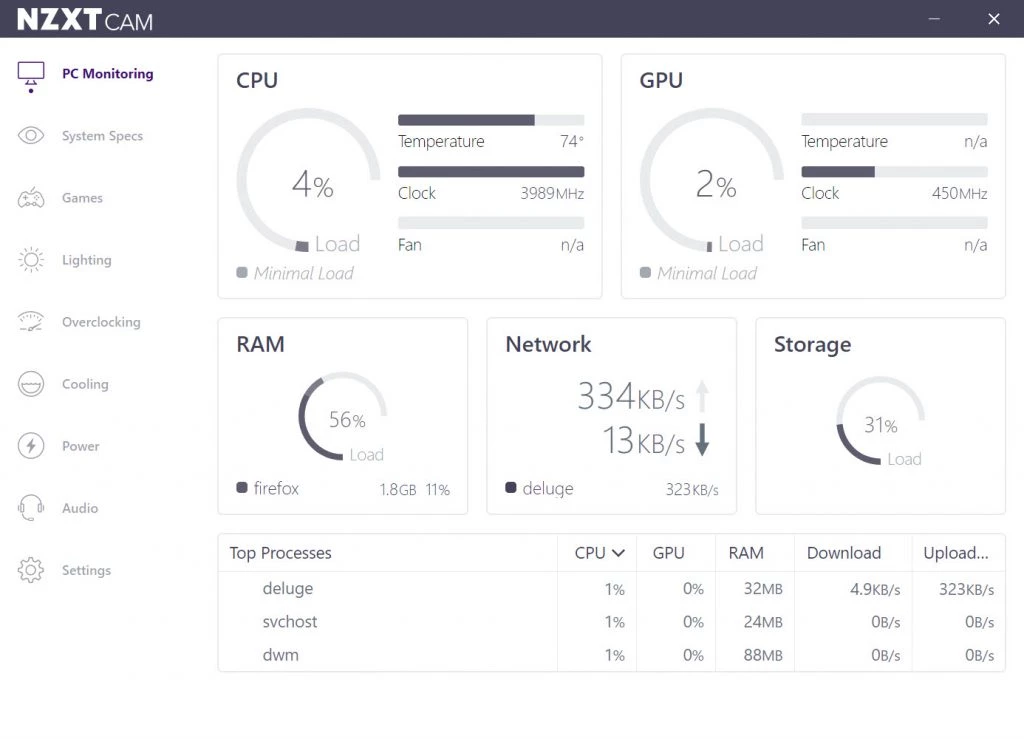
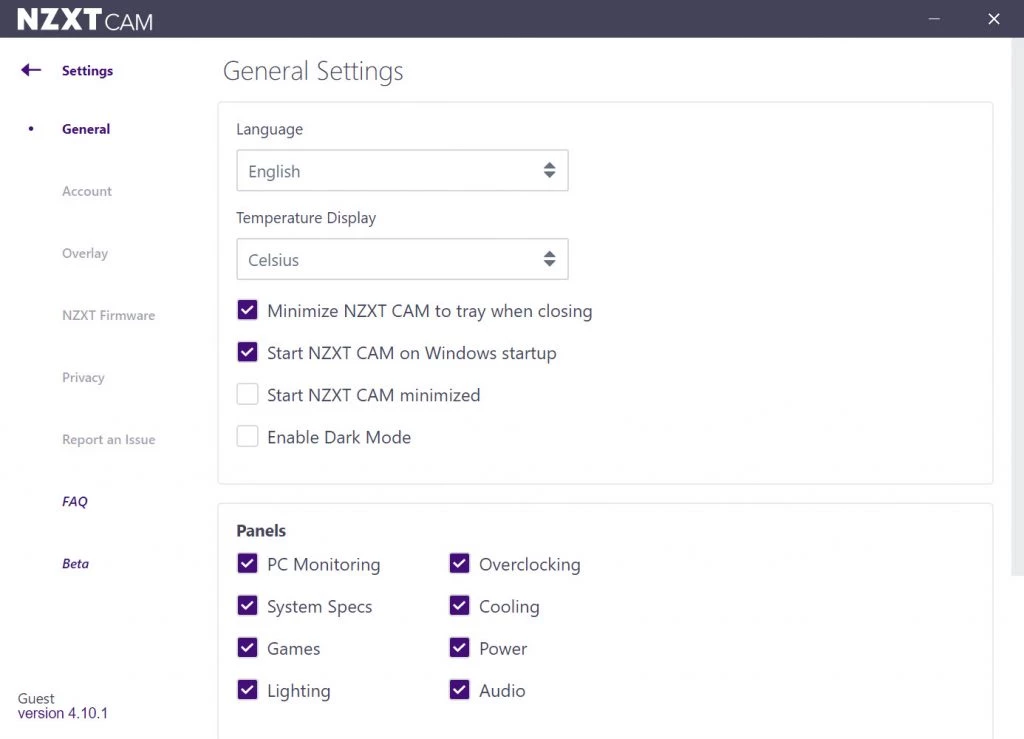
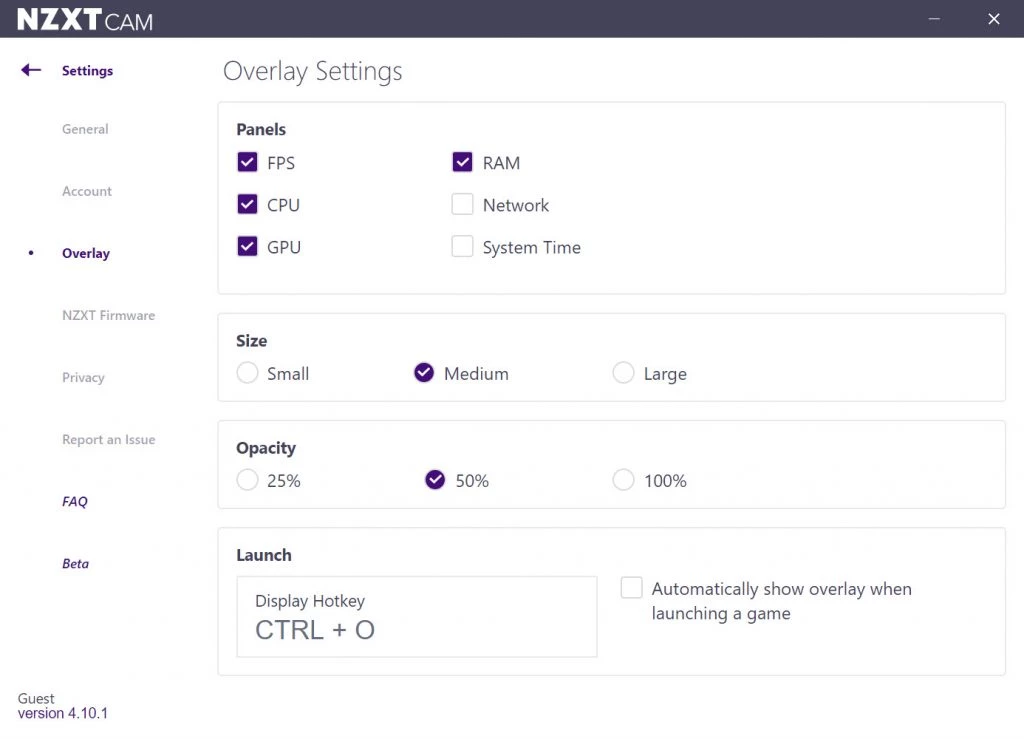
NZXT CAM 4.76.2 is the free Windows application from NZXT, the PC hardware maker. It is the companion software for NZXT hardware and a place to keep an eye on your PC, and you can download it from the official NZXT CAM page.
CAM is the software side of NZXT's hardware. If you build a PC with NZXT parts, the app is where you manage the components that can be controlled from Windows, and it also gives you an overview of how the computer is doing while you work or play. For owners of NZXT hardware this is the main reason to install it: some components are designed to be set up through the app rather than through switches on the device. If your PC contains no NZXT parts, the app is optional, and a lighter monitoring tool may be enough.
The version listed here is 4.76.2. NZXT publishes release notes for every update in its support centre; the notes for NZXT CAM 4.76.1 describe the changes in the previous build. The app updates itself, so you rarely need to download it again.
Check the cables inside the case first: many components need both a power and a USB header connection to appear in software. Update the motherboard chipset drivers, reinstall CAM from the official page and avoid running several hardware control tools at once, because they can fight over the same devices. If the problem remains, NZXT's support centre has troubleshooting articles for its products.
Any program that runs in the background uses some memory and processor time, and a hardware app is no exception. On a typical gaming PC the effect is small, but if you notice stutter, close windows you do not need, turn off overlays and features you never use, and check whether other monitoring tools are running at the same time. Two or three utilities reading the same sensors add up, and keeping just one is usually the better choice.
| Item | Details |
|---|---|
| Version | 4.76.2 |
| Developer | NZXT |
| Platform | Windows |
| Price | Free |
| Size | about 1.42 MB according to catalogue data |
Download it only from NZXT, keep it updated and review which data-sharing options you enable during setup. Hardware tools run with high privileges, so unofficial copies are best avoided.
Our listings include MSI Kombustor for graphics stress tests, and CPU-Z and CrystalDiskInfo for hardware information and monitoring on any PC.
CrystalDiskInfo is a free, open-source Windows utility that reads information from hard drives and SSDs and shows their health status.

Caffeine is a tiny free Windows utility from Zhorn Software that keeps your computer awake and stops the screen from locking or sleeping.
Windows 10 Update Assistant is a free Microsoft tool that updates a Windows 10 PC to the latest feature update without waiting for Windows Update.

Mem Reduct is a tiny open-source Windows utility by Henry++ that shows memory usage in the tray and frees RAM on demand or automatically.

Advanced SystemCare Free is a Windows optimisation suite from IObit that cleans junk files, manages startup items and monitors resource use.

MSI Kombustor is a free graphics card stress test and benchmark from MSI, used together with MSI Afterburner to check stability.

GS Auto Clicker is a tiny free Windows program from goldensoft that clicks the mouse automatically at a set interval, started and stopped with a hotkey.

CCleaner is Piriform's utility suite for removing temporary files and cleaning up Windows. The free edition covers basic cleaning.
Custom Resolution Utility (CRU) is a tiny free Windows tool by ToastyX for adding custom resolutions and refresh rates to monitors.